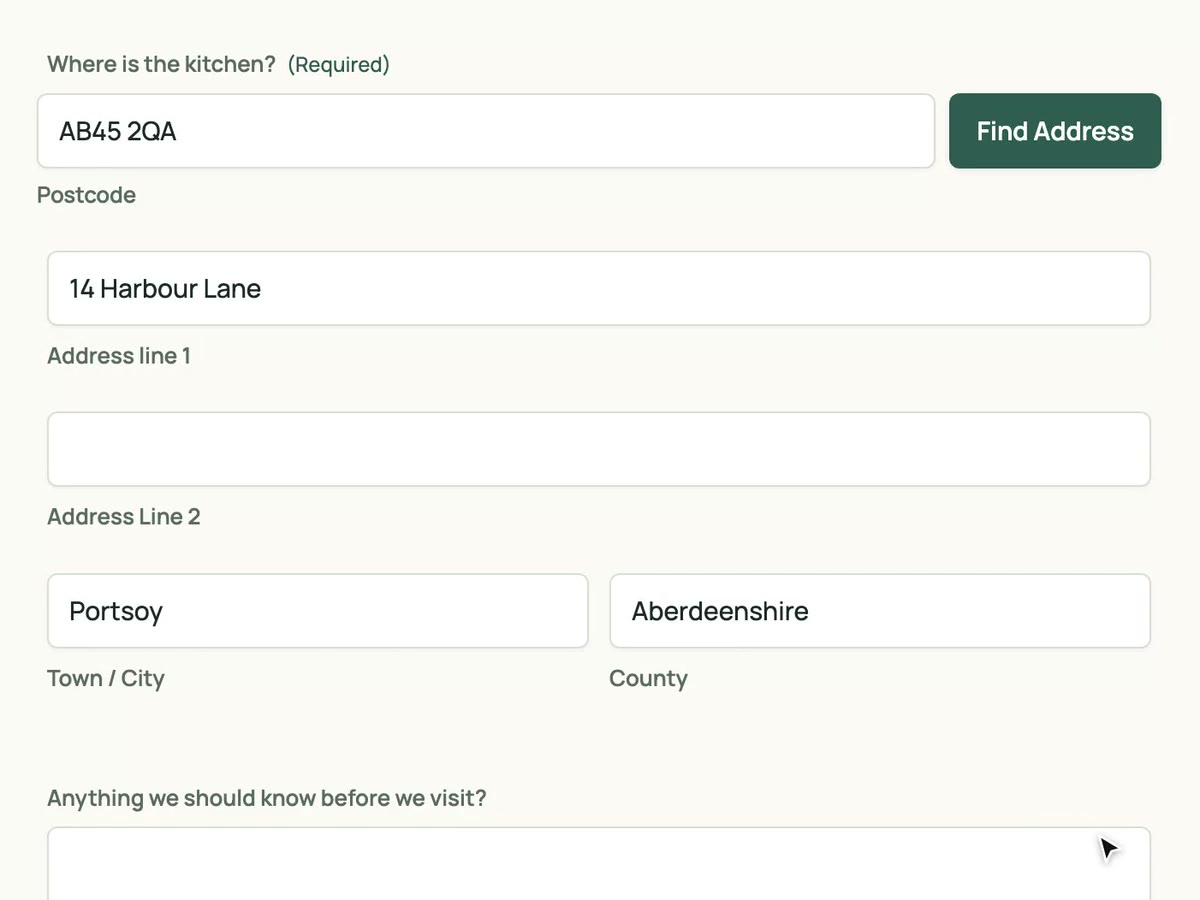
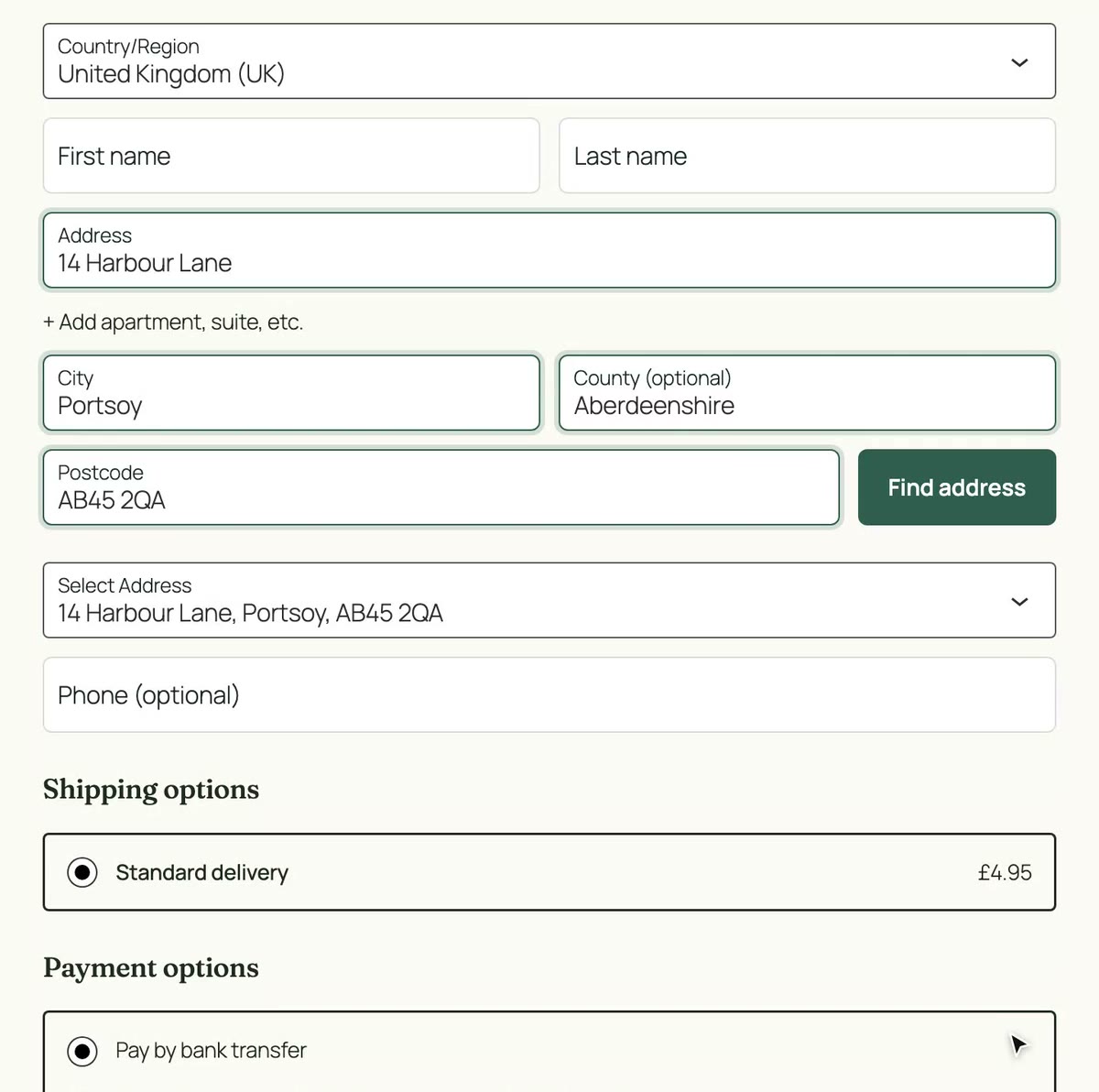
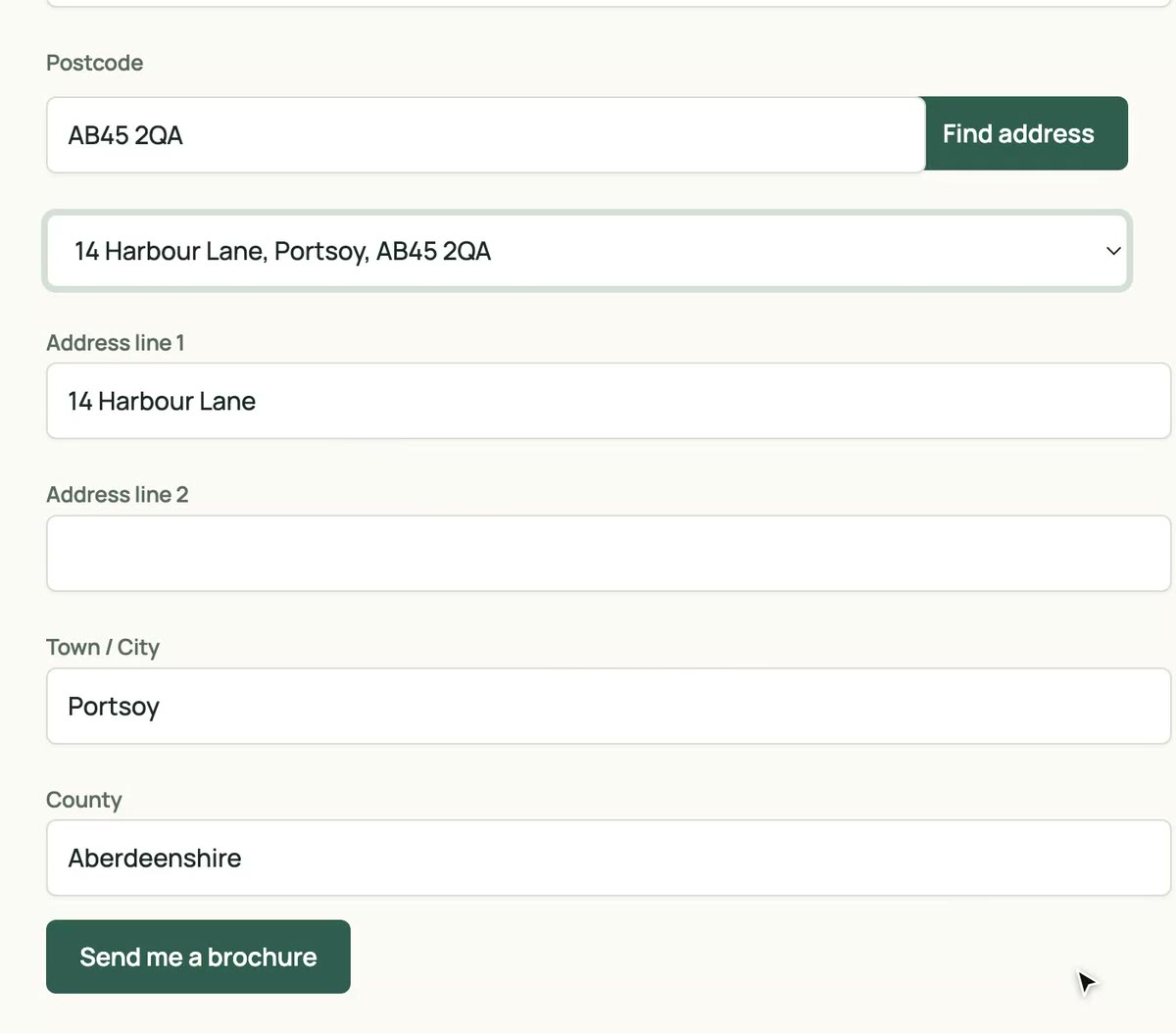
UK postcode lookup for the classic WooCommerce checkout
For stores on the shortcode checkout. The same plugin covers My Account addresses and the order editor in the WooCommerce admin.
- Version 1.0.0
- Included in every plan
- Unlimited sites
Why add postcode lookup to WooCommerce classic checkout
Works where you are
No need to move to the block checkout first. Lookup runs on the checkout, My Account addresses and the admin order editor.
Deliveries that arrive
Every address comes back complete and formatted the way couriers expect, including flats and new builds.
Yours to tune
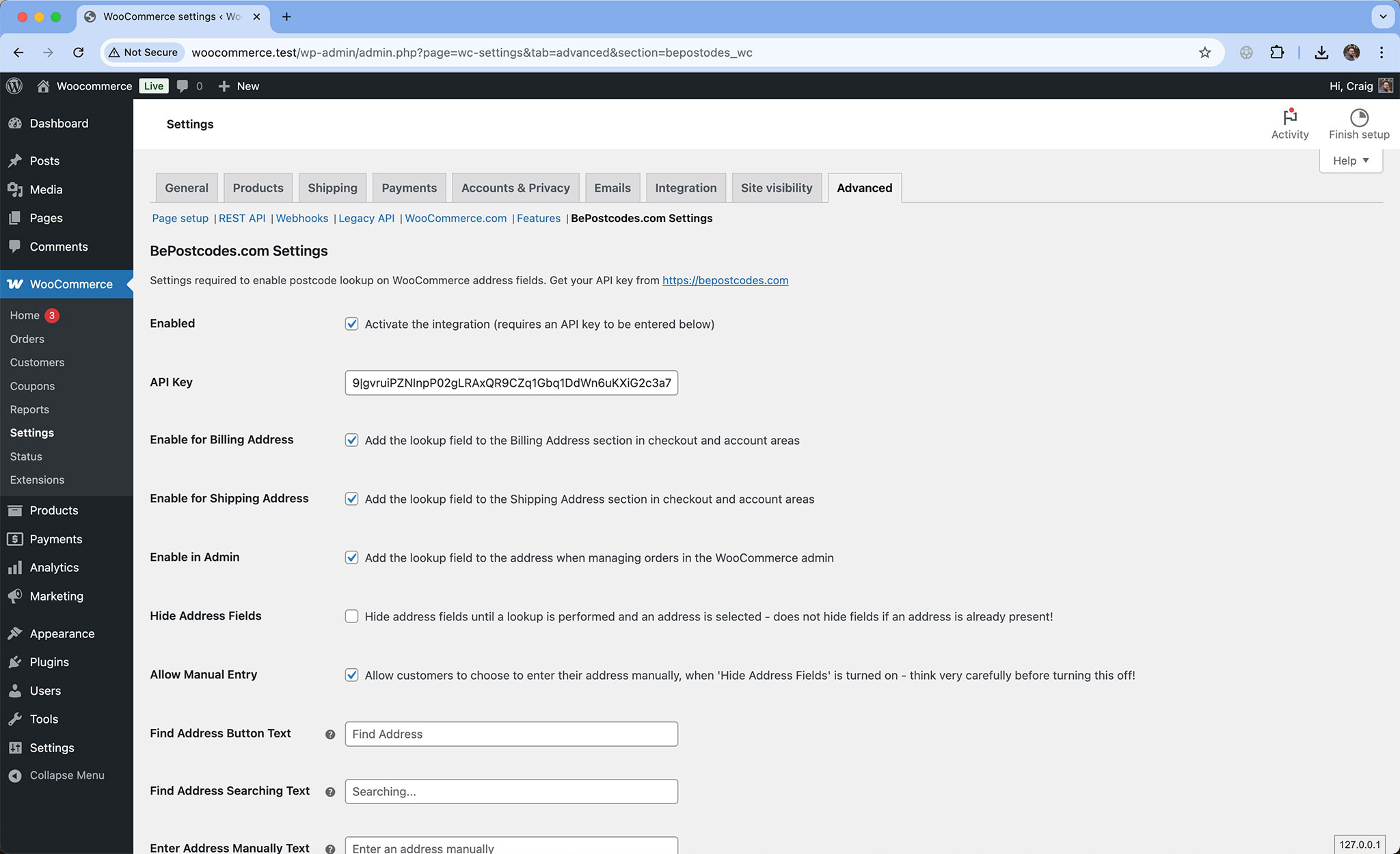
Switch it on or off for billing, shipping and the admin, hide the address fields until an address is picked, and change the button text.
Set up in four steps
Moved to the block checkout, or planning to? The Checkout Block plugin is included in every plan too. Checkout Block plugin
-
Install and activate the plugin
Download the zip from your dashboard and upload it under Plugins › Add New Plugin.
-
Paste your API key
WooCommerce › Settings › Advanced › BePostcodes.com Settings. Tick Enabled and save.
-
Choose where it appears
Billing, shipping and the admin order editor are each a tick box. Hide the address fields until an address is picked if you prefer.
-
Test it
Go to the checkout with the country set to United Kingdom, search a postcode and pick an address.
What fills where
The plugin writes into the standard billing and shipping fields, so orders, emails and fulfilment plugins see the data where they always have.
| Lookup result | Checkout field | Example |
|---|---|---|
| Address line 1 | Street address | 27 Rose Street |
| Address line 2 | Flat, suite, unit, etc. | |
| Town | Town / City | Edinburgh |
| County | County | Midlothian |
| Postcode | Postcode | EH2 2NH |
- Compatibility
- Requires WooCommerce 3.0 or later with the shortcode checkout. Not for the Checkout block.
- Version
- 1.0.0
- History
- Changelog
WooCommerce classic checkout questions
- I am moving to the Checkout block. What do I do?
- Install the Checkout Block plugin, add the same API key, and deactivate this one. Both are included in your plan.
- Can I turn it off for shipping but keep billing?
- Yes. Untick Enable for Shipping Address in the settings. The same works the other way round, and for the admin order editor.
- Another plugin edits my checkout fields and the button vanished.
- Raise the Hook Priority setting so the button is added after the other plugin runs. For Checkout Field Editor a priority of 1001 works.
- Does it change how orders are stored?
- No. The address goes into WooCommerce's standard fields, so order emails, exports and fulfilment plugins are unaffected.
Every plan includes this plugin
Along with unlimited sites and the other integrations. One key, nothing to upgrade.
- Unlimited sites. One key works on every WordPress site you run.
- Every plugin. Gravity Forms, Contact Form 7 and both WooCommerce checkouts.
- Support from the developer. Setup guides and the changelog are public.