UK postcode lookup for Contact Form 7
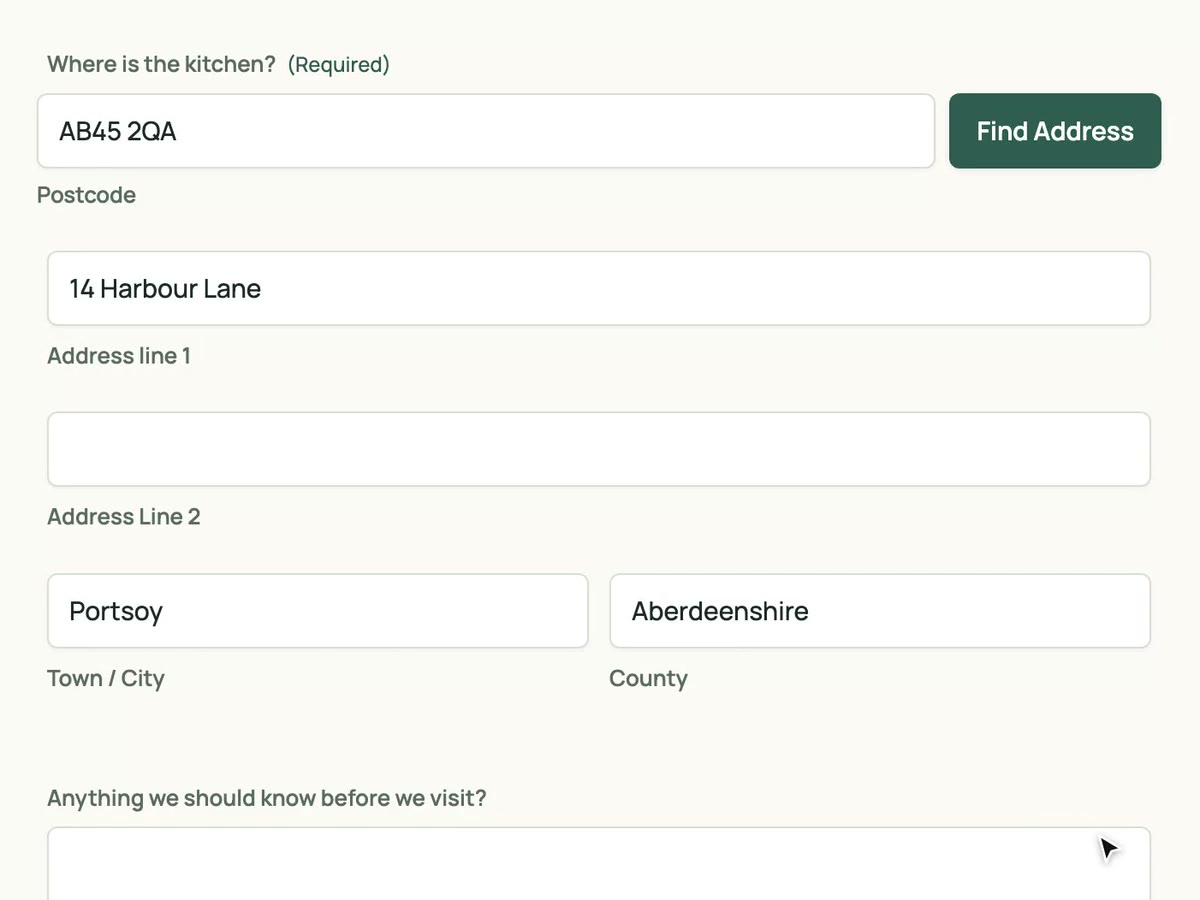
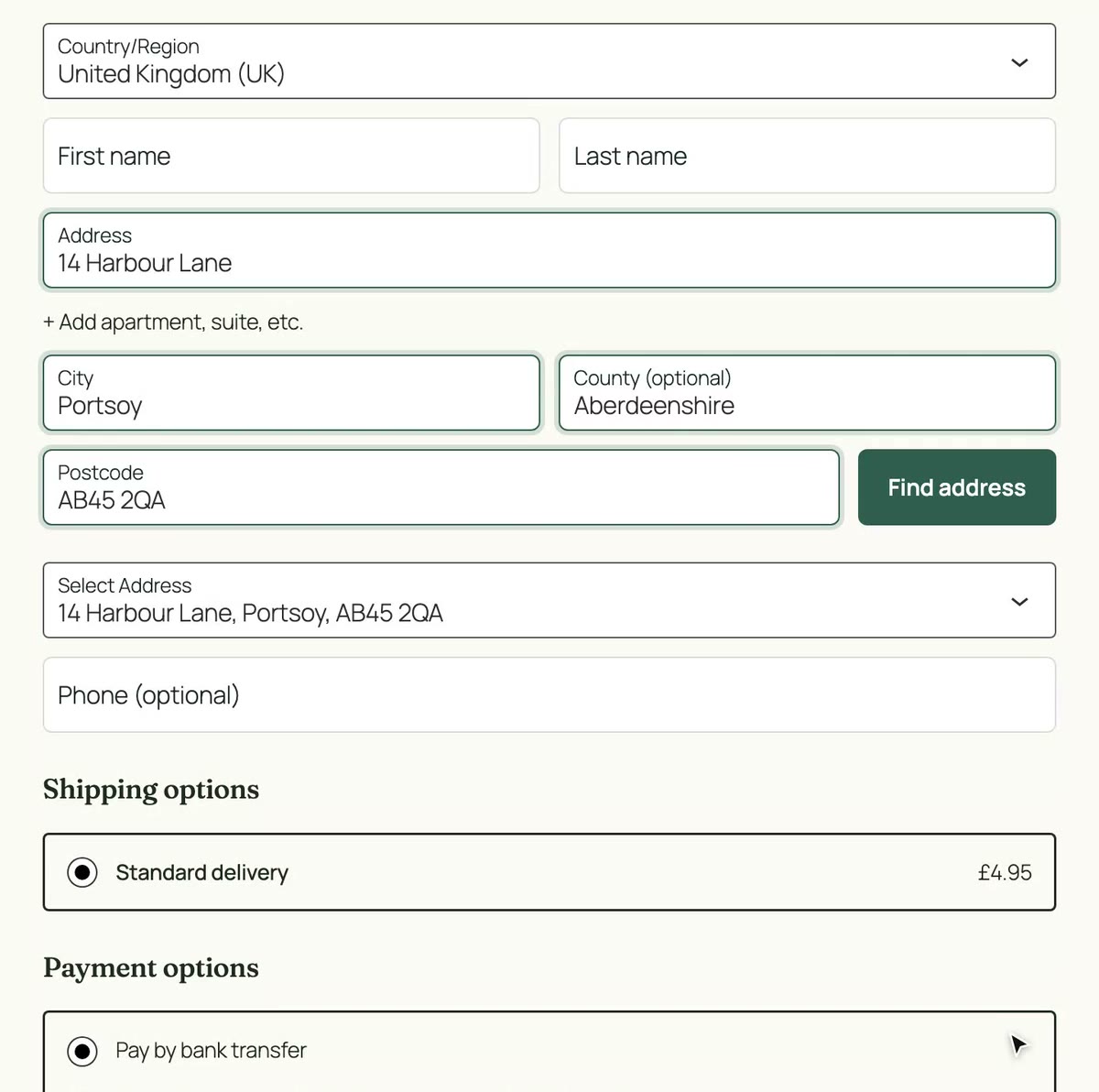
Map the postcode, address line 1 and town tags once. Visitors type a postcode, pick their address, and the mapped fields fill on every submission.
No card needed. Then £8 a month with 50 lookups included.
- No card to start
- Version 0.3.1
- Included in every plan
- Unlimited sites
Why add postcode lookup to Contact Form 7
Fewer abandoned forms
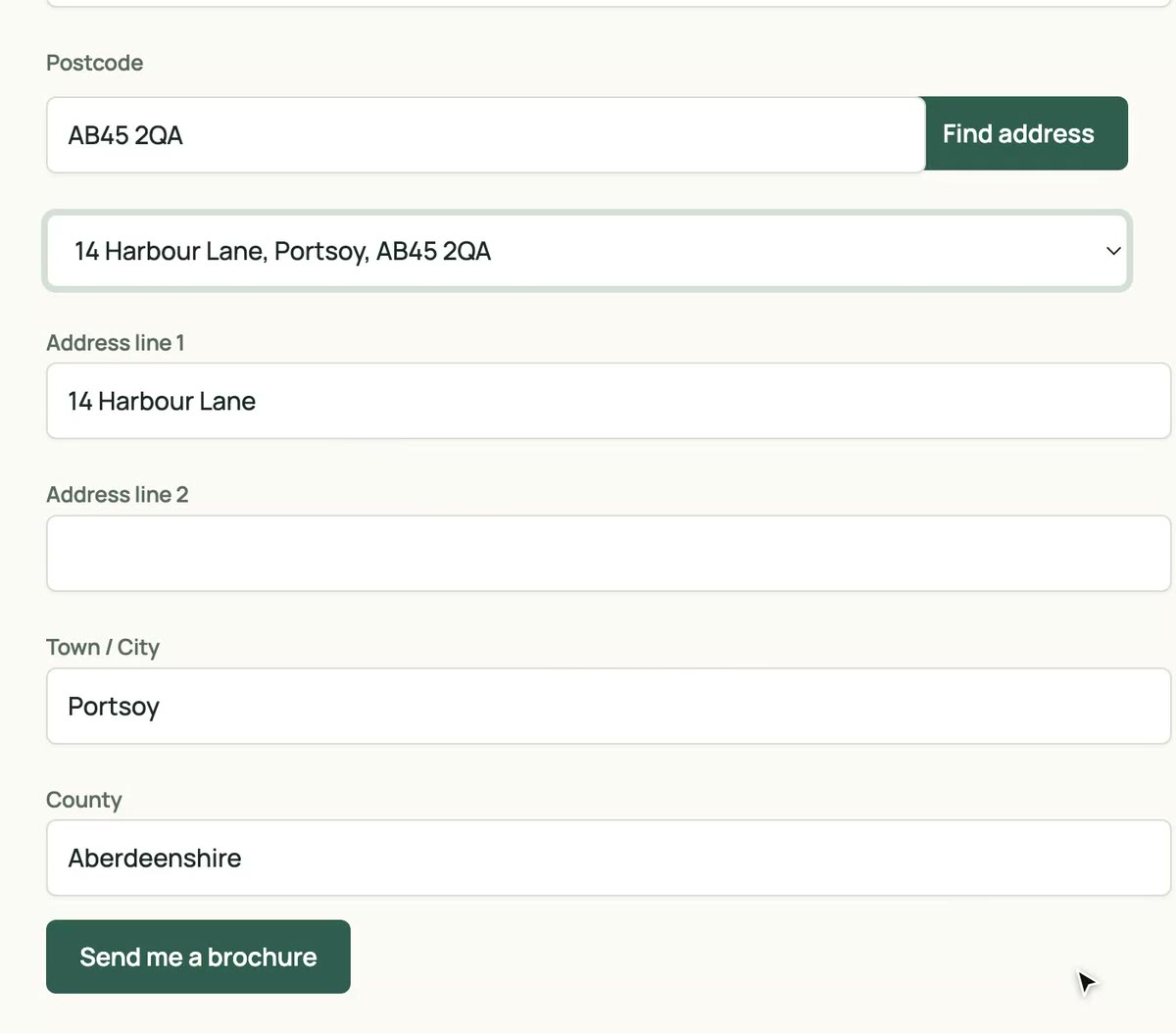
A postcode and a click replaces four fields of typing. Fewer people give up at the address step.
Clean data in every submission
Line 1, line 2, town and county arrive as separate fields, so emails, Flamingo and exports are ready to use.
Your tags, your form
Map any text tags you already have. No special field type and no changes to how Contact Form 7 sends mail.
Set up in four steps
-
Install and activate the plugin
Download the zip from your dashboard and upload it under Plugins › Add New Plugin.
-
Paste your API key
Settings › BePostcodes CF7. Leave Enable lookup ticked and save.
-
Map your tags
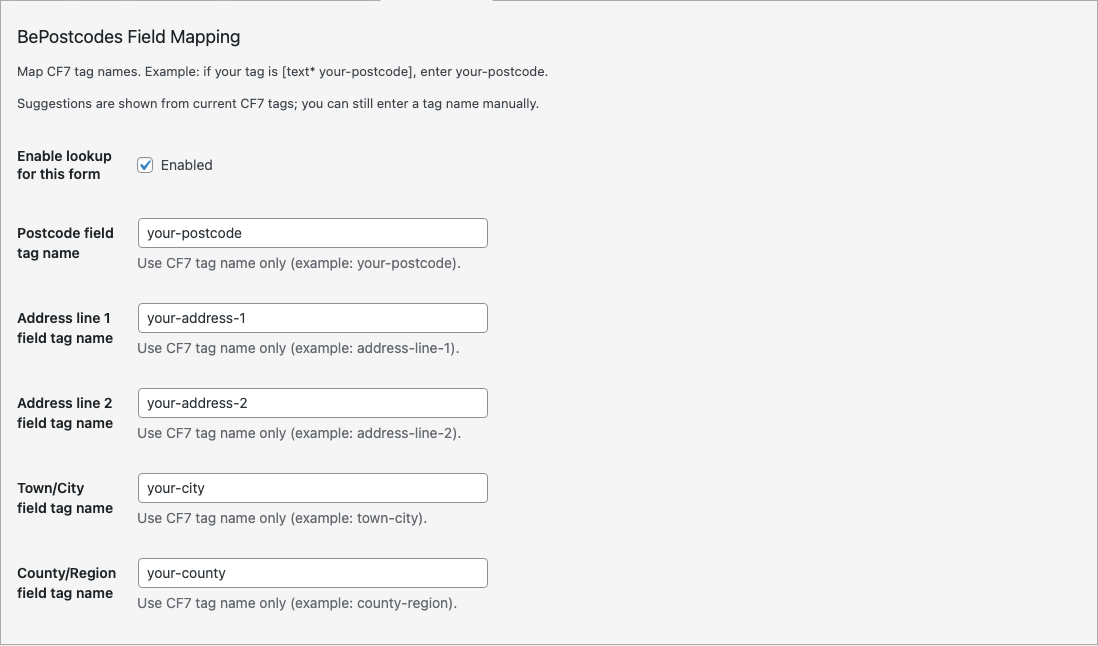
Open the BePostcodes tab in the form editor, tick Enable lookup for this form, and enter the tag names for postcode, line 1 and town.
-
Test it
Open the page with the form, search a postcode, pick an address and check the submission.
Map your tags once
Contact Form 7 has no address field type, so you tell the plugin which tags hold which part of the address. Postcode, line 1 and town are required; line 2 and county are optional.
| Lookup result | Mapping | Example tag name |
|---|---|---|
| Postcode | Postcode field tag name | your-postcode |
| Address line 1 | Address line 1 field tag name | address-line-1 |
| Address line 2 | Address line 2 field tag name | address-line-2 |
| Town | Town/City field tag name | town-city |
| County | County/Region field tag name | county-region |
- Compatibility
- Requires Contact Form 7 with mapped address tags (postcode, line 1, town/city).
- Version
- 0.3.1
- Released
- 10 October 2026
- History
- Changelog
Contact Form 7 questions
- Can I use it on several forms?
- Yes. Map each form on its own BePostcodes tab. The API key and the site-wide switch are shared.
- Do I have to use particular tag names?
- No. Any text tag names work. What matters is that the names you map match the names in the form.
- Does it work with Flamingo and mail tags?
- Yes. The plugin only fills the form's own fields, so anything that reads them sees the completed address.
- How many lookups does a submission use?
- One per postcode search. Picking an address from the list is free.
Every plan includes this plugin
Along with unlimited sites and the other integrations. One key, nothing to upgrade.
- Unlimited sites. One key works on every WordPress site you run.
- Every plugin. Gravity Forms, Contact Form 7 and both WooCommerce checkouts.
- Support from the developer. Setup guides and the changelog are public.
£8a month
50 lookups included, then 10p a lookup. Every plugin, unlimited sites, cancel any time.
Start with 25 free lookups See pricing