UK postcode lookup for Gravity Forms
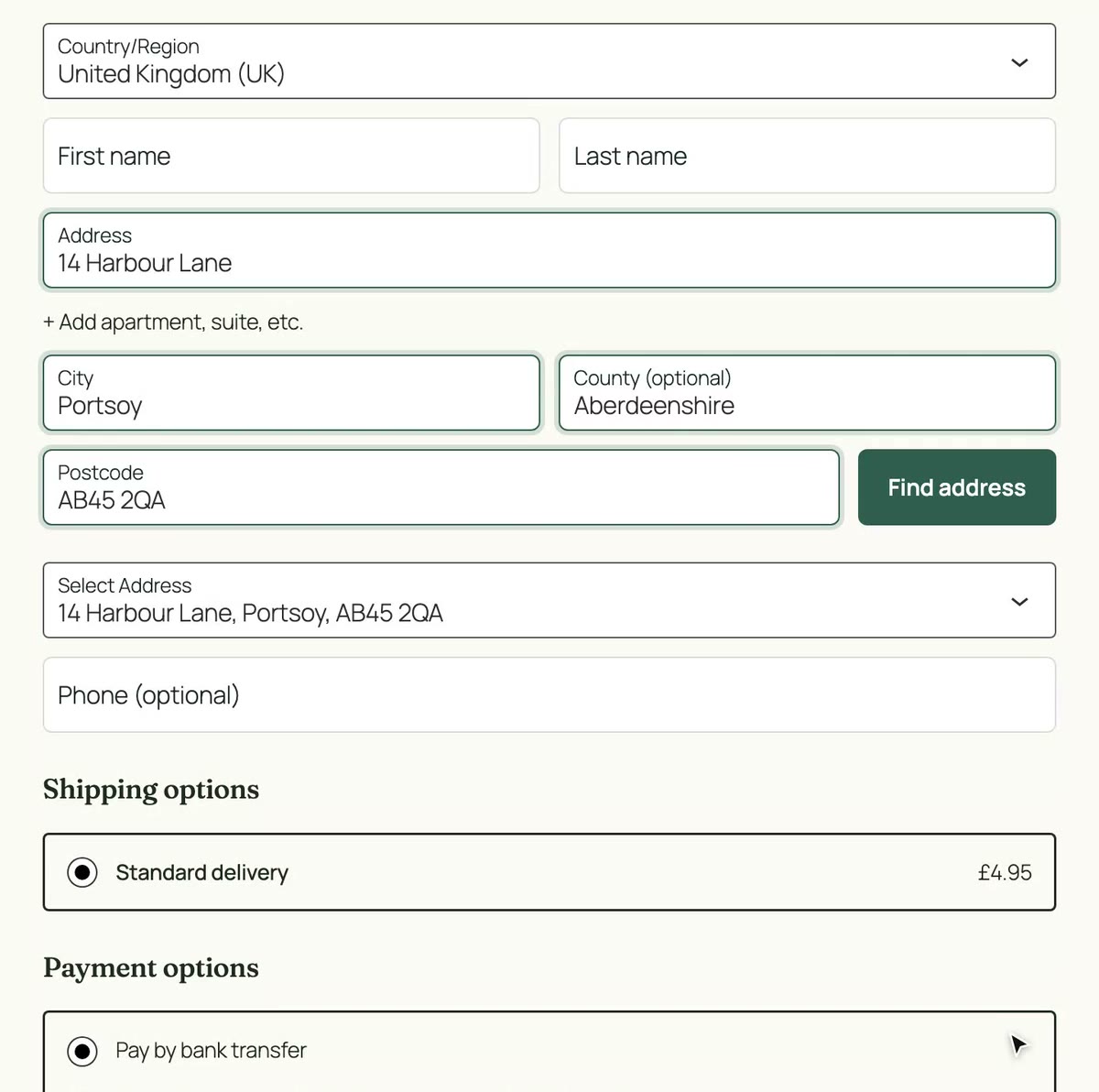
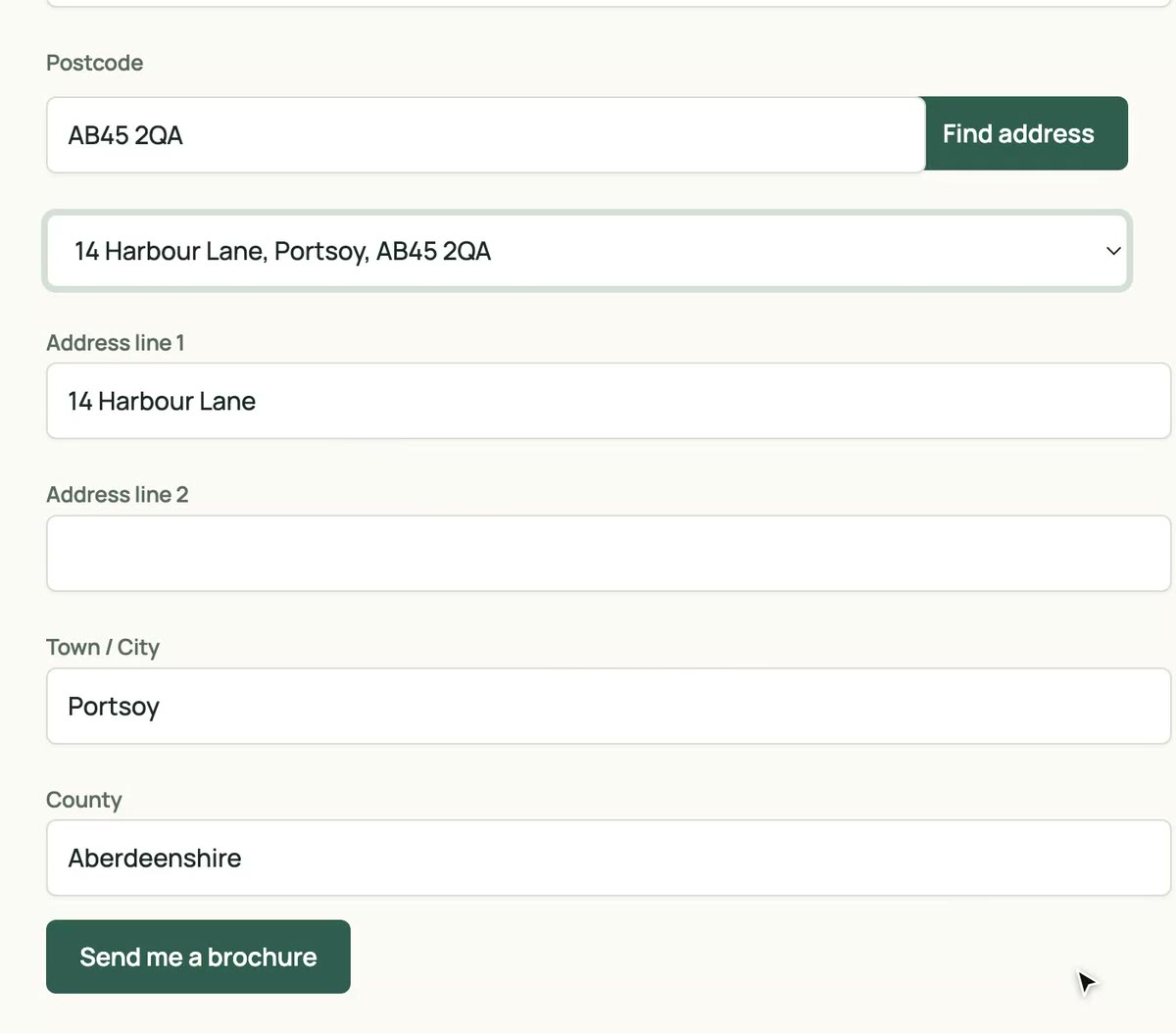
Add postcode lookup to the built-in Address field. Visitors type a postcode, pick their address, and line 1, line 2, town and county fill themselves. Enable it per field in the form editor.
No card needed. Then £8 a month with 50 lookups included.
- No card to start
- Version 2.2.1
- Included in every plan
- Unlimited sites
Why add postcode lookup to Gravity Forms
Fewer abandoned forms
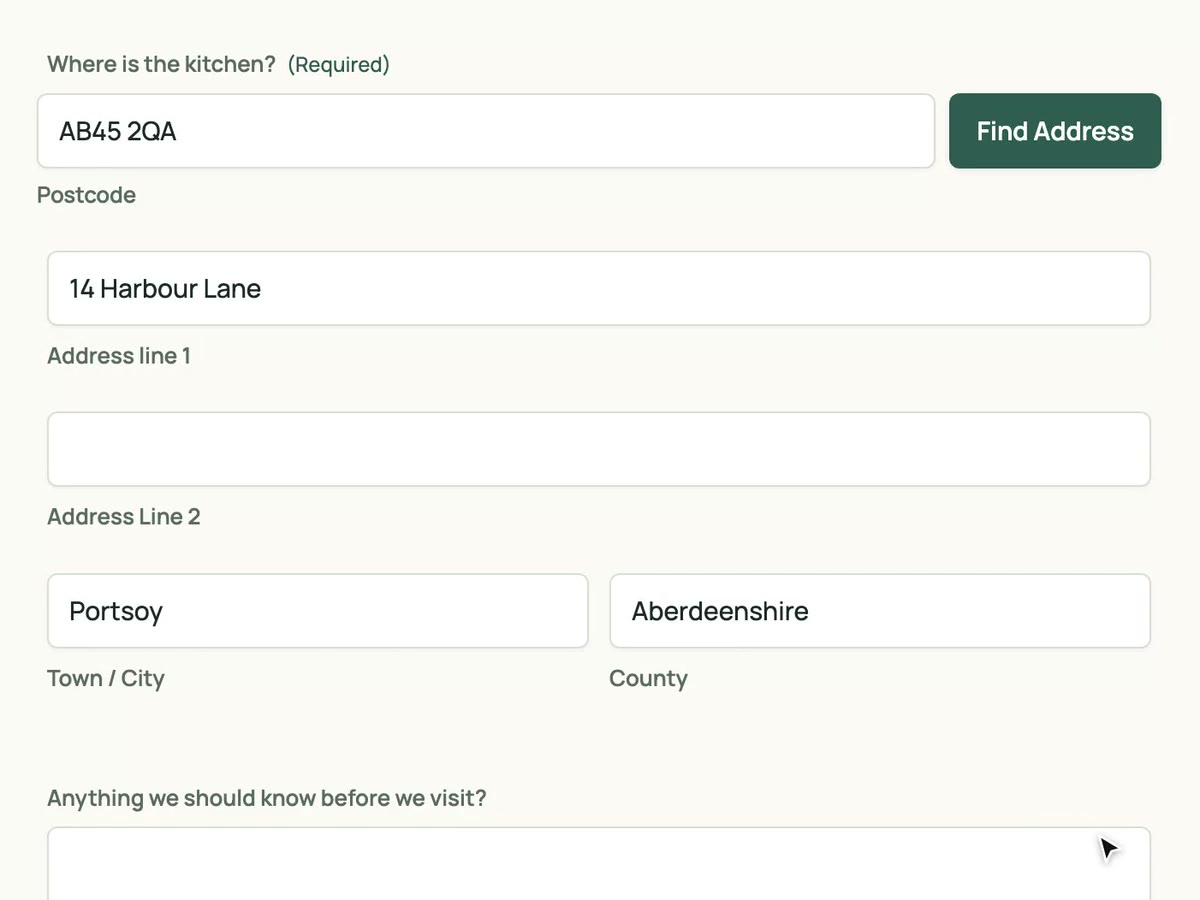
The Address field asks for five things. Lookup turns that into one postcode and a click.
Addresses you can act on
Every entry carries a complete, correctly spelt address. Quotes, deliveries and callbacks go to the right place first time.
Nothing else changes
Entries, notifications, feeds and conditional logic keep working. The plugin only fills the Address field's own inputs.
Set up in four steps
-
Install and activate the plugin
Download the zip from your dashboard and upload it under Plugins › Add New Plugin.
-
Paste your API key
Forms › Settings › UK Postcode Lookup. One key covers every site you run.
-
Tick the box on the Address field
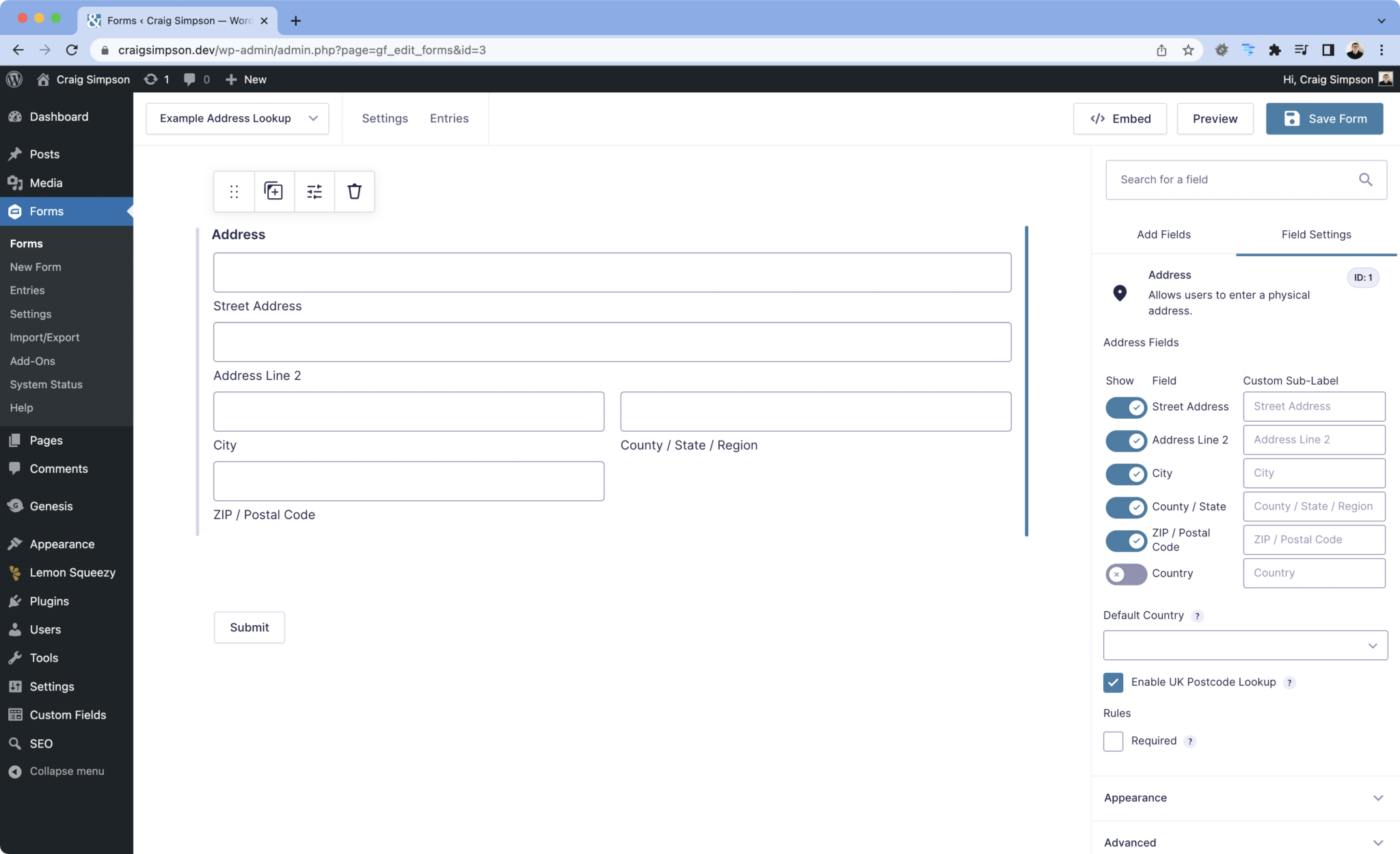
Edit the form, select the Address field, and tick "Enable UK Postcode Lookup" on the General tab.
-
Test it
Preview the form, search a postcode, pick an address and check the entry.
What fills where
The plugin writes into the Address field's standard inputs, so entries, exports and add-ons see the data exactly where they expect it.
| Lookup result | Gravity Forms input | Example |
|---|---|---|
| Address line 1 | Street Address | Flat 4 |
| Address line 2 | Address Line 2 | 22 Castle Street |
| Town | City | Norwich |
| County | State / Province / Region | Norfolk |
| Postcode | ZIP / Postal Code | NR2 1PJ |
- Compatibility
- Requires Gravity Forms and its built-in Address field.
- Version
- 2.2.1
- Released
- 10 October 2026
- History
- Changelog
Gravity Forms questions
- Can I enable it on more than one Address field in a form?
- Yes. The setting is per field, so billing and delivery addresses can each have lookup. Keep one lookup-enabled field per page.
- Does it work with multi-page forms and conditional logic?
- Yes. Lookup runs in the browser on the page the Address field is on. Conditional logic keeps working as before.
- What if a visitor's address is not in the list?
- The inputs stay editable. They can type the address by hand, as they can today.
- How many lookups does a form submission use?
- One per postcode search. Picking an address from the list is free.
Every plan includes this plugin
Along with unlimited sites and the other integrations. One key, nothing to upgrade.
- Unlimited sites. One key works on every WordPress site you run.
- Every plugin. Gravity Forms, Contact Form 7 and both WooCommerce checkouts.
- Support from the developer. Setup guides and the changelog are public.
£8a month
50 lookups included, then 10p a lookup. Every plugin, unlimited sites, cancel any time.
Start with 25 free lookups See pricing