UK postcode lookup for the WooCommerce Checkout Block
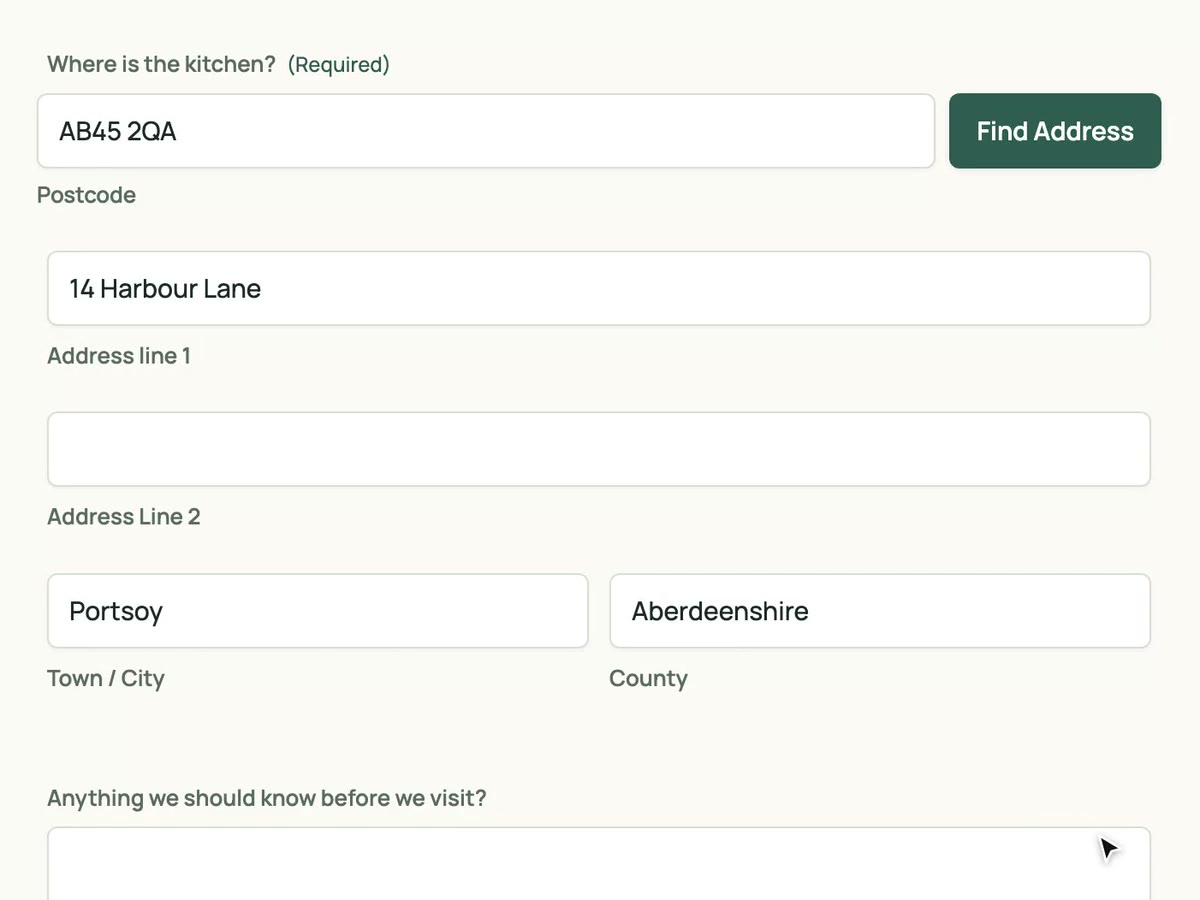
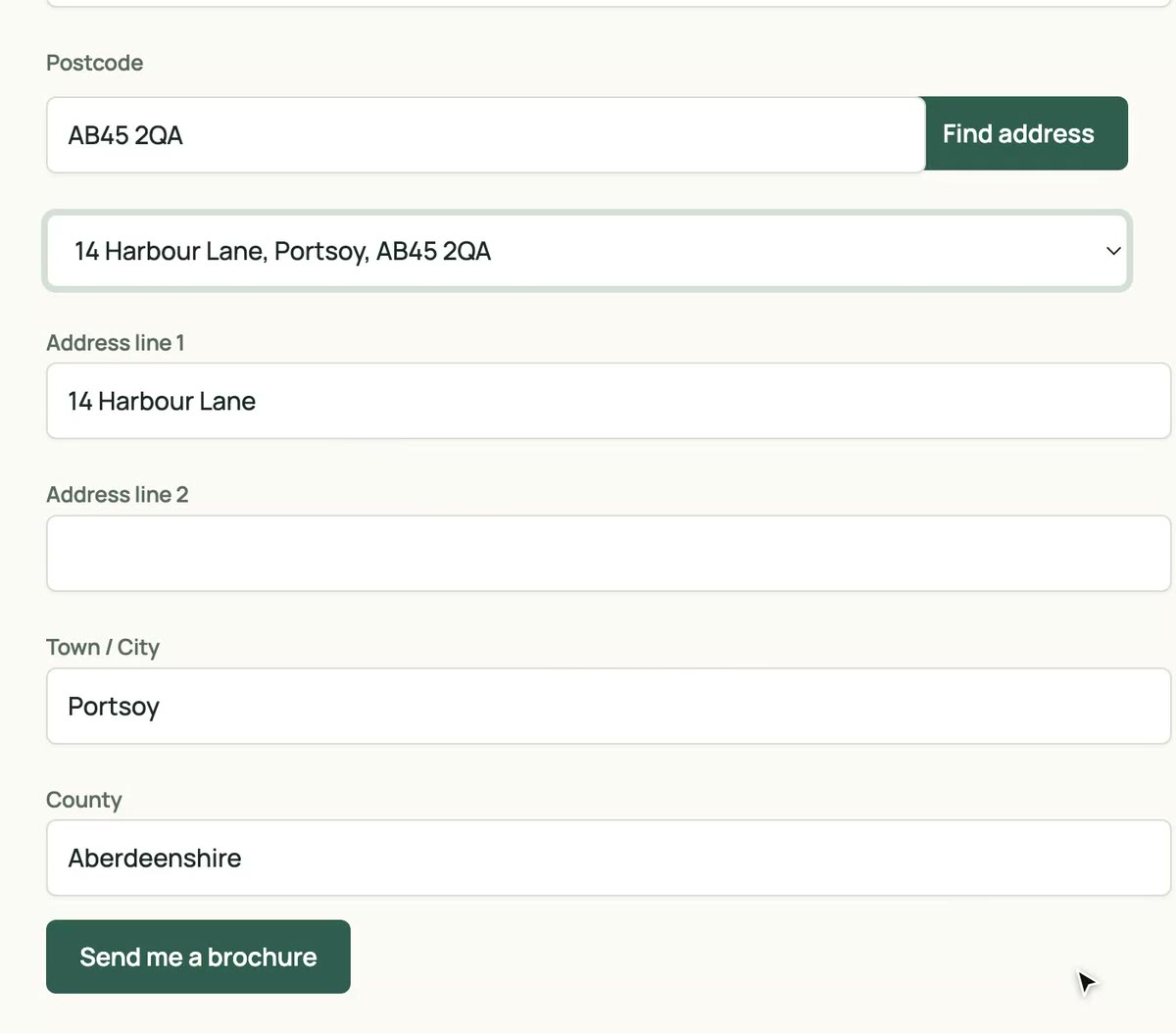
A Find address button under the postcode field for UK shoppers. Pick an address and billing or shipping fills itself, with nothing to map.
No card needed. Then £8 a month with 50 lookups included.
- No card to start
- Version 0.3.1
- Included in every plan
- Unlimited sites
Why add postcode lookup to WooCommerce Checkout Block
Fewer abandoned baskets
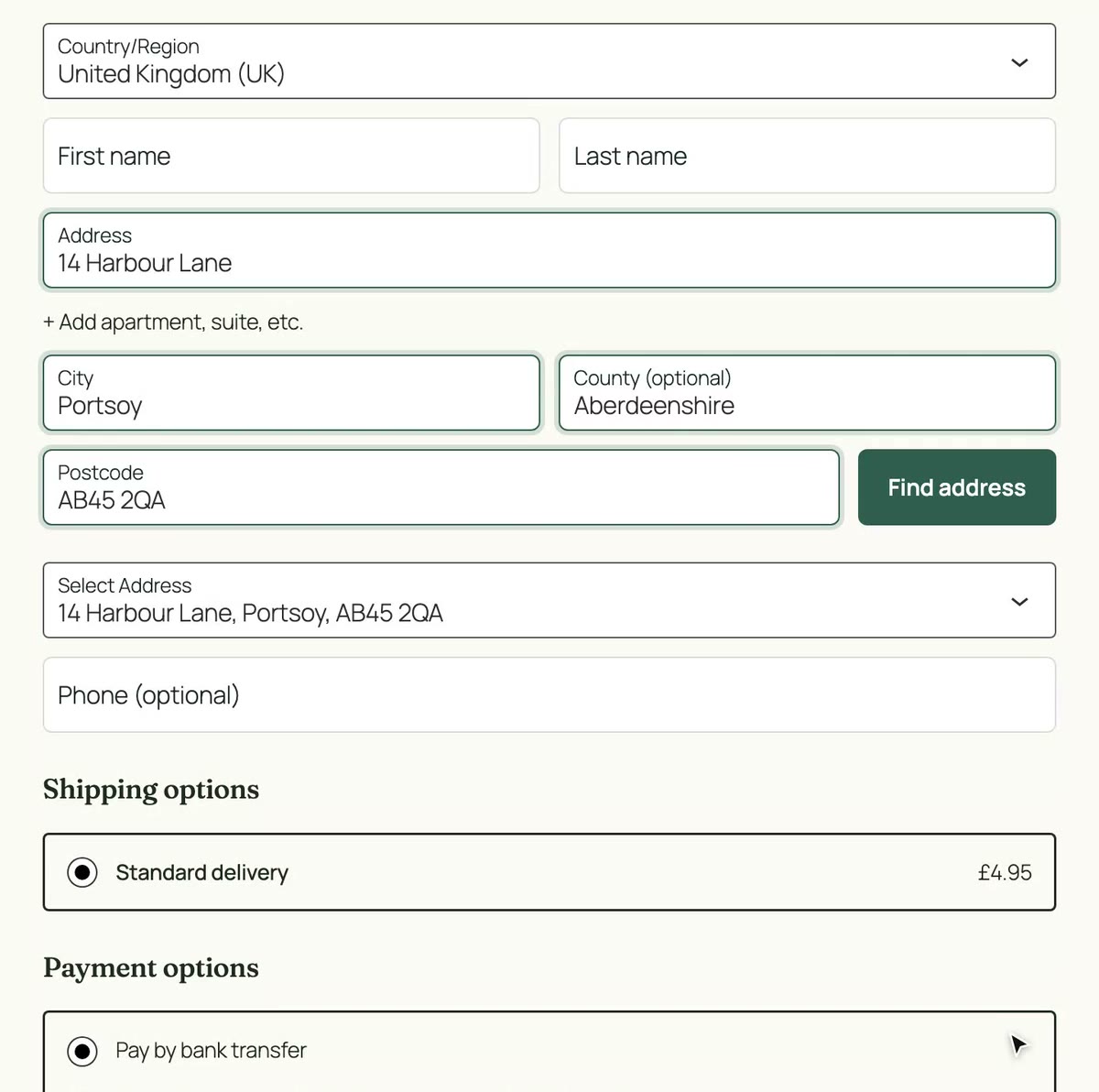
The address step is where UK checkouts stall. One postcode and a click replaces four fields of typing.
Deliveries that arrive
Every address comes back complete and formatted the way couriers expect, including flats and new builds.
Nothing to configure
The plugin finds the address inputs in the Checkout block itself and fires the events WooCommerce listens for, so shipping recalculates as usual.
Set up in four steps
Still on the [woocommerce_checkout] shortcode? The classic checkout plugin is included in every plan too. Classic checkout plugin
-
Install and activate the plugin
Download the zip from your dashboard and upload it under Plugins › Add New Plugin.
-
Paste your API key
WooCommerce › Settings › BePostcodes. Leave Enable lookup ticked and save.
-
Check your checkout uses the Checkout block
Open the checkout page in the block editor. Stores on the shortcode checkout use the classic plugin instead.
-
Test it
Go to the checkout with the country set to United Kingdom, search a postcode and pick an address.
What fills where
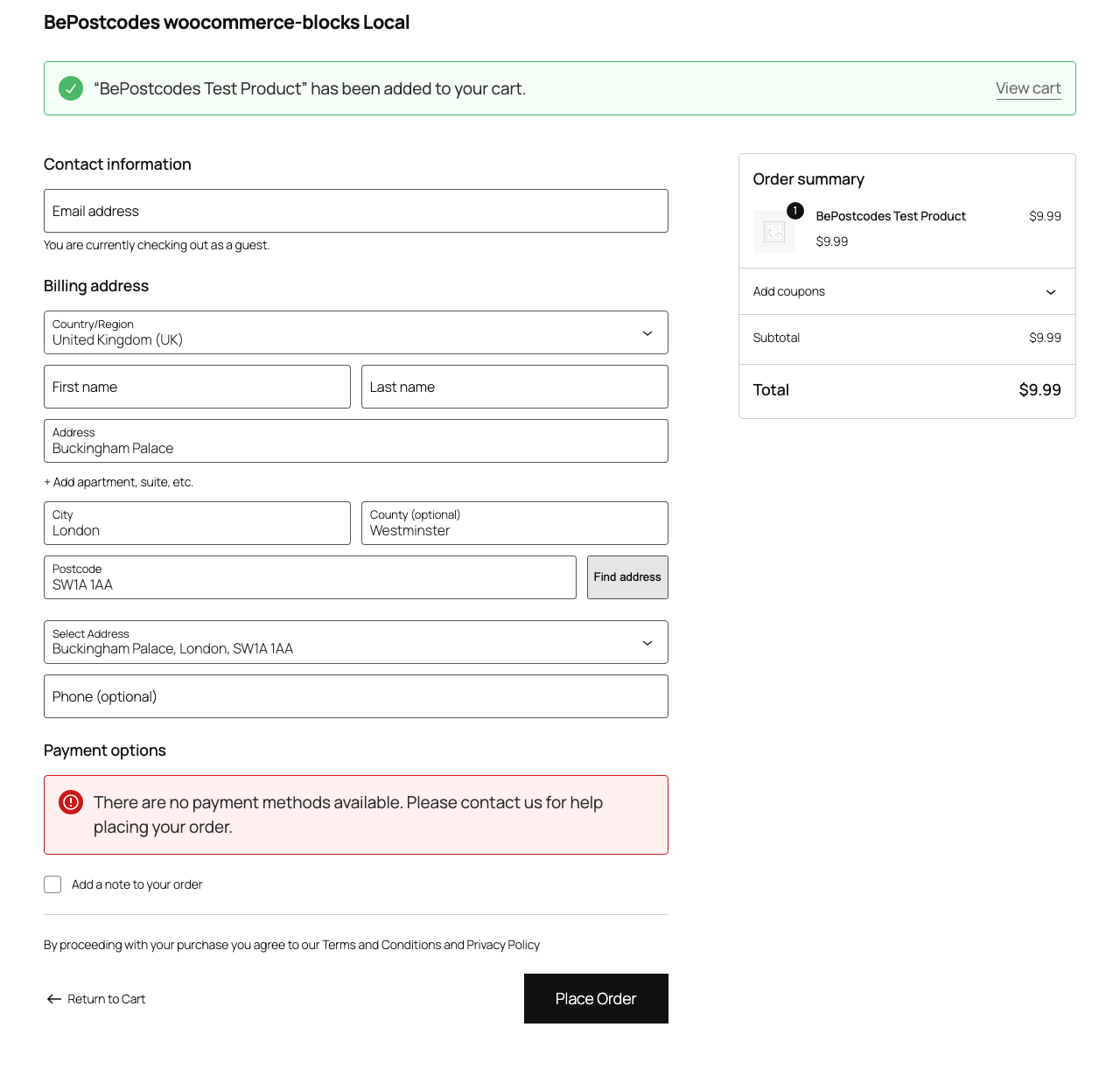
The plugin writes into the standard checkout fields for billing and shipping, so orders, emails and fulfilment plugins see the data where they always have.
| Lookup result | Checkout field | Example |
|---|---|---|
| Address line 1 | Address | 9 Marine Parade |
| Address line 2 | Apartment, suite, etc. | |
| Town | City | Brighton |
| County | County (optional) | East Sussex |
| Postcode | Postcode | BN2 1TL |
- Compatibility
- Requires WooCommerce Checkout Block (not legacy shortcode checkout).
- Version
- 0.3.1
- Released
- 10 October 2026
- History
- Changelog
WooCommerce Checkout Block questions
- Does it work for both billing and shipping?
- Yes. Each address section gets its own Find address button, and each search is one lookup.
- What about international customers?
- The button only shows when the country is United Kingdom. Shoppers elsewhere see the normal checkout.
- My store still uses the shortcode checkout. Can I use this plugin?
- No, but the classic checkout plugin is included in every plan and covers that. Switching later just means swapping plugins.
- Does it change how orders are stored?
- No. The address goes into WooCommerce's standard billing and shipping fields, so order emails, exports and fulfilment plugins are unaffected.
Every plan includes this plugin
Along with unlimited sites and the other integrations. One key, nothing to upgrade.
- Unlimited sites. One key works on every WordPress site you run.
- Every plugin. Gravity Forms, Contact Form 7 and both WooCommerce checkouts.
- Support from the developer. Setup guides and the changelog are public.
£8a month
50 lookups included, then 10p a lookup. Every plugin, unlimited sites, cancel any time.
Start with 25 free lookups See pricing